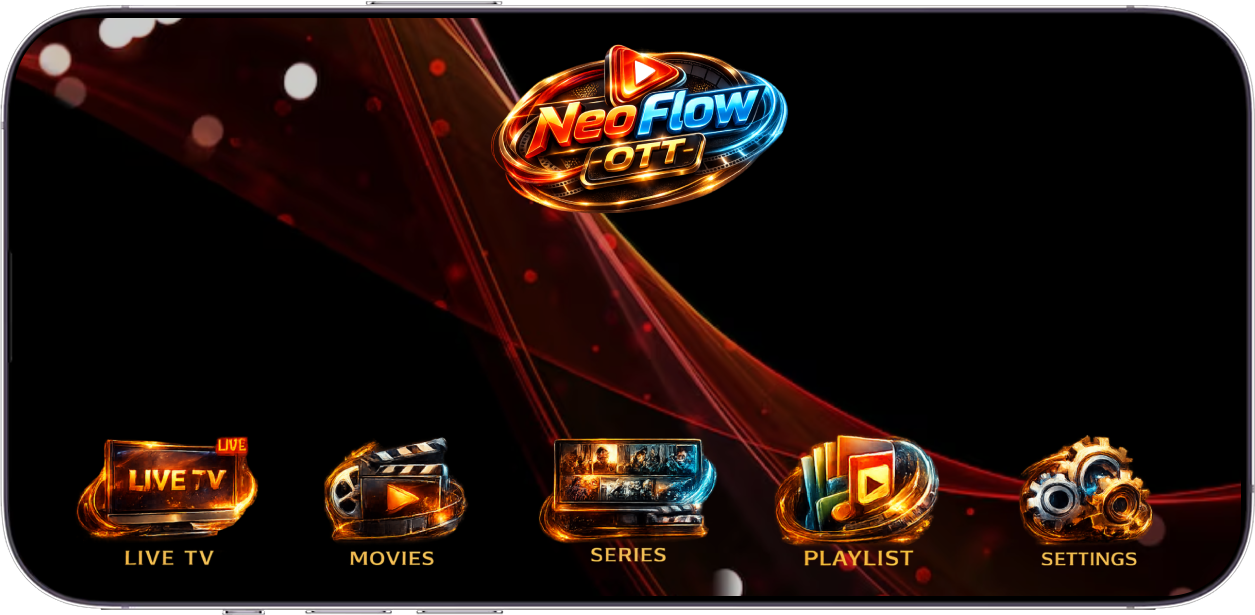
Welcome to our OTT platform, your ultimate destination for unlimited entertainment. Stream your favorite movies, web series, live TV channels, and exclusive content anytime, anywhere, on any device. Enjoy high-quality viewing with a seamless experience designed for every member of the family. Discover new stories, binge-watch your favorites, and stay connected to the content you love—all in one place.
Chat instantly with our support team
Secure · Instant Access · 100% Free Trial · No Hidden Charges

Save your favourites easily and always have something to watch.

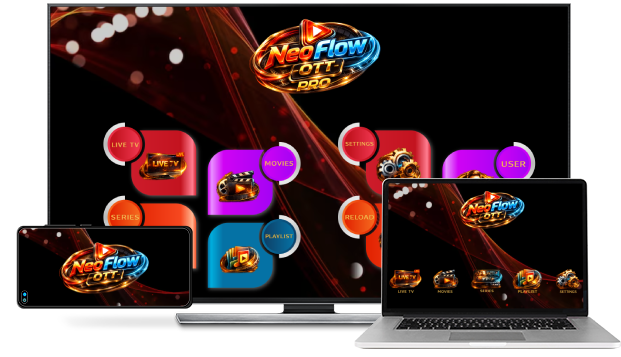
Stream unlimited movies and TV shows on your phone, tablet, laptop, and TV.

Send children on adventures with their favourite characters in a space made just for them-free with your membership.
Neo Flow OTT is a streaming service that offers a wide variety of award-winning TV shows, movies, anime, documentaries and more – on thousands of internet-connected devices. You can watch as much as you want, whenever you want, without a single ad – all for one low monthly price. There's always something new to discover, and new TV shows and movies are added every week!
on your smartphone, tablet, Smart TV, laptop, or streaming device, all for one fixed monthly fee. Plans range from 8 USD to 58 USD. No extra costs, no contracts.
Watch anywhere, anytime on smart TVs, smartphones, tablets, streaming media players and more.
No contracts. Cancel online in two clicks. No cancellation fees.
Neo Flow OTT has an extensive library of feature films, documentaries, TV shows, anime, award-winning Ramix IPTV originals, and more. Watch as much as you want, anytime you want.
The Neo Flow OTT Kids experience is included in your membership to give parents control while kids enjoy family-friendly TV shows and films in their own space. Kids profiles come with PIN-protected parental controls that let you restrict the maturity rating of content kids can watch and block specific titles you don’t want kids to see.
Yes, you can upload your own Playlist via ManageYes sure, You can Upload your own Playlist, you have to click on "Manage Playlist" from the Quick Links at bottom or you can Click on Manage Playlist/Activation from the Top Menu Bar then you can Login and you can Add your own Playlist.