Loading...

Watch And Enjoy

Watch on All Devices.

Activate Device

Samsung Tv App

Installtion Guide !

Watch On Browser

watch Now !
Installtion Guide !

Android Tv App

Installtion Guide !

Android Mobile App

Download Now !
Installtion Guide !

Android Tablet

Installtion Guide !

IOS Iphone

Installtion Guide !

Windows Desktop App

Installtion Guide !

Fire Tv App

Installtion Guide !

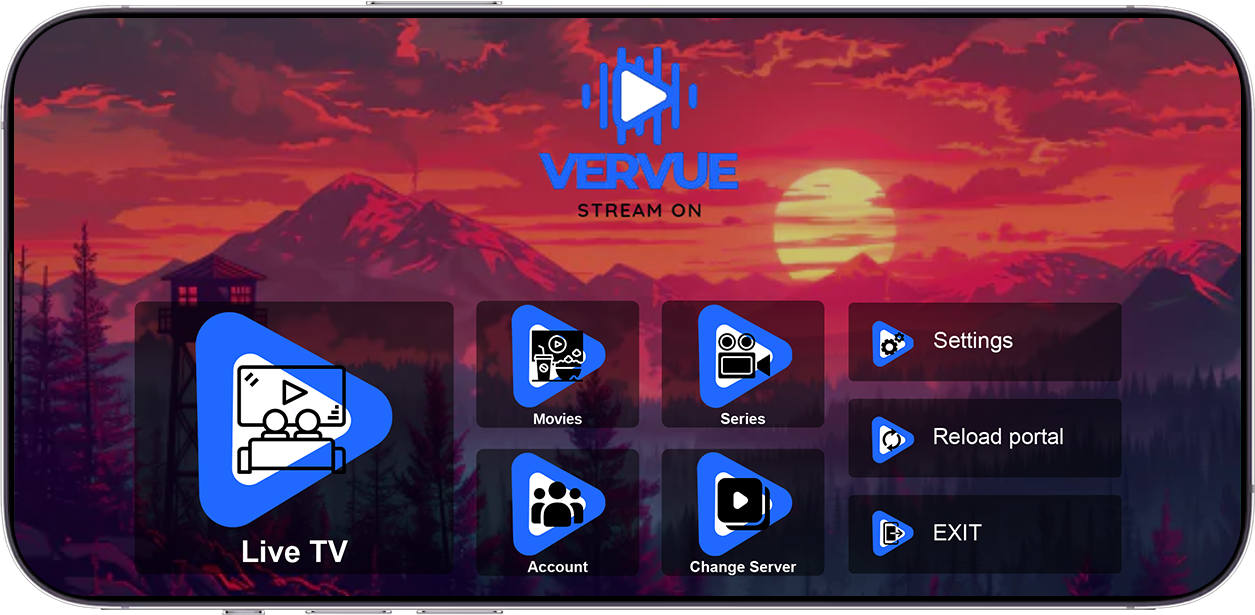
Enjoy on your Mobile.

Save your favourites easily and always have something to watch.

Activate Device

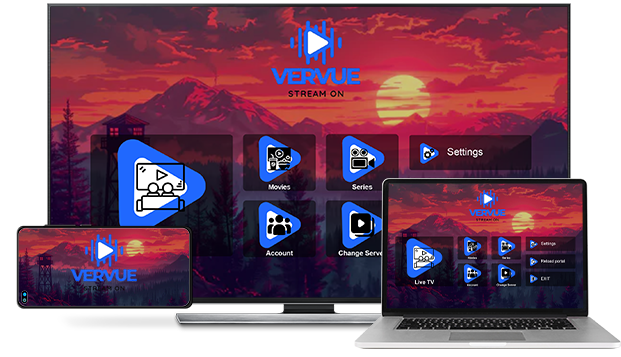
Watch everywhere.

Stream unlimited movies and TV shows on your phone, tablet, laptop, and TV.

Activate Device

Create profiles for children.

Send children on adventures with their favourite characters in a space made just for them-free with your membership.

Activate Device

Customer Plan

$ 14 USD 1 Month


Pay As You Go! No Contract

Instant Activation

One Subscription & Get Access for All Devices

99.9% Uptime

Without Adults

Without Freezing

24/7 Support


$ 35 USD 3 Month


Pay As You Go! No Contract

Instant Activation

One Subscription & Get Access for All Devices

99.9% Uptime

Without Adults

Without Freezing

24/7 Support


$ 60 USD 6 Month


Pay As You Go! No Contract

Instant Activation

One Subscription & Get Access for All Devices

99.9% Uptime

Without Adults

Without Freezing

24/7 Support


$ 90 USD 12 Month


Pay As You Go! No Contract

Instant Activation

One Subscription & Get Access for All Devices

99.9% Uptime

Without Adults

Without Freezing

24/7 Support


$ 150 USD 24 Month


Pay As You Go! No Contract

Instant Activation

One Subscription & Get Access for All Devices

99.9% Uptime

Without Adults

Without Freezing

24/7 Support


Frequently Asked Questions

VerVue is media player, You can use it to open and play your own playlist.

Please Contact with Support Team at What's APP +918668283797. So we can setup the App.

Because the app every time when you start it, needs to load the list from your source or provider's server.

This is maybe because of your internet connection, please check at first your internet connection before you contact your provider. Many times it is caused because of the connection and not because of the provider!

No, the app didn`t have an EPG system integrated but if your provider has an EPG - READY system then it would work with our platform.

Each TV has 2 MAC addresses (1st is WiFi, 2nd is Ethernet) and a 2nd MAC has activated automatically after you switch to another connection type and restart the app. MAC address is unique for every TV and cannot be changed manually.

Yes, under settings you can find other language. There are More than 15 language for you!

Yes, under settings you can find other themes. There are 61 themes for you!

Our Features

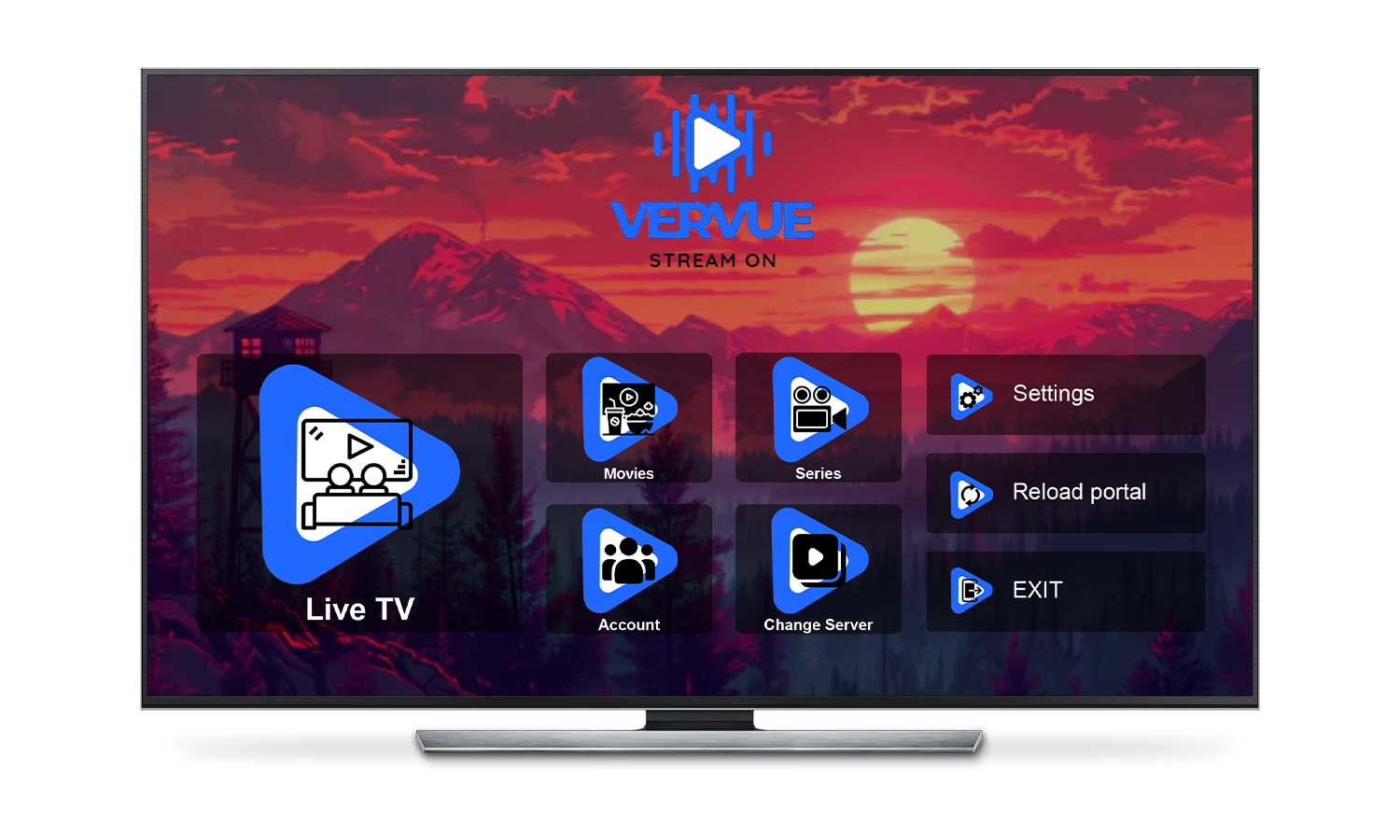
Live Tv

Movies

Series

Playlist

Settings

Support